In short
Treat every connected device as untrusted. Place smart devices on their own network segments, limit what each can reach and keep access to buildings and systems tied to verified identity.
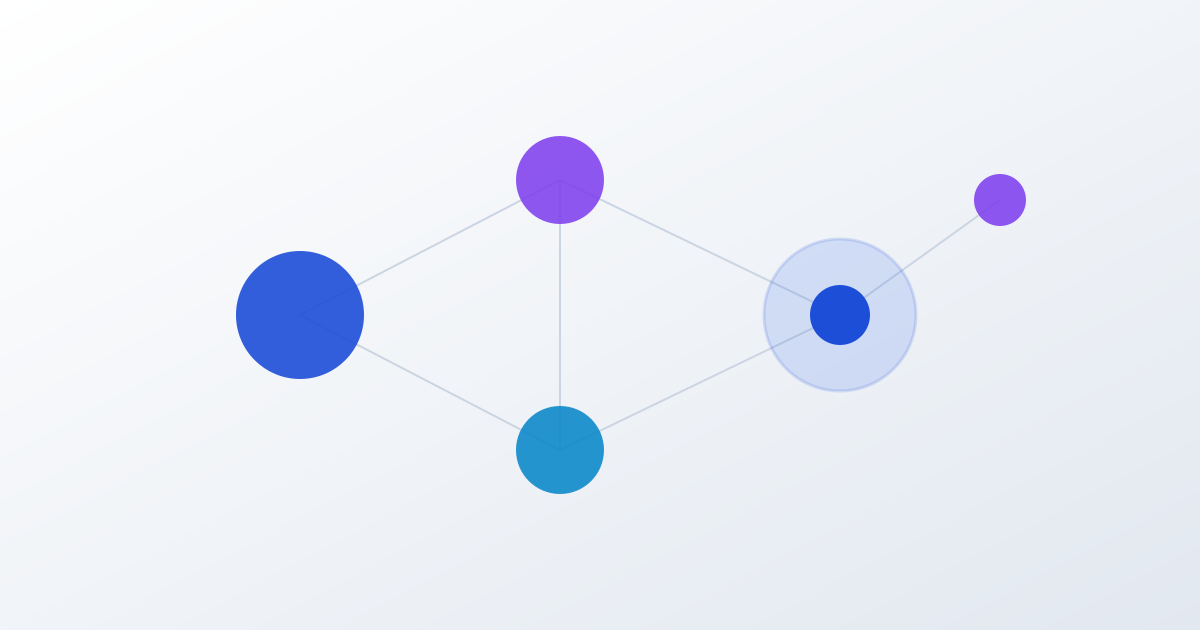
Modern offices connect far more than computers. Biometric door locks, smart lighting, climate controls and IP cameras all sit on the same network as your accounts and customer data. Each one is a possible way in.
Traditional security assumes that anything inside the network can be trusted. Zero-trust starts from the opposite assumption: no device or user is trusted by default, and every request is checked.
Three practical steps
- Segment the network. Put cameras, smart lighting and staff computers on separate segments. If a smart bulb is compromised, it should not be able to reach your finance system.
- Verify access continuously. Use accounts and tokens that are checked each time, for both buildings and software, instead of a single password that lasts for years.
- Keep one view. Security you cannot see is security you cannot manage. A single dashboard for cameras, sensors and access logs makes unusual activity easier to spot.
It is a design choice, not a product
Zero-trust is not something you buy and switch on. It is a way of laying out the network and permissions, and it is far cheaper to plan before installation than to retrofit afterwards.
When we install CCTV and automation systems, we plan the network segmentation first. If you would like us to review an existing set-up, get in touch.
Related service. Security & Automation: CCTV networks, access control and smart-office automation.